Optimize Docker Images for Size, Speed, and Security
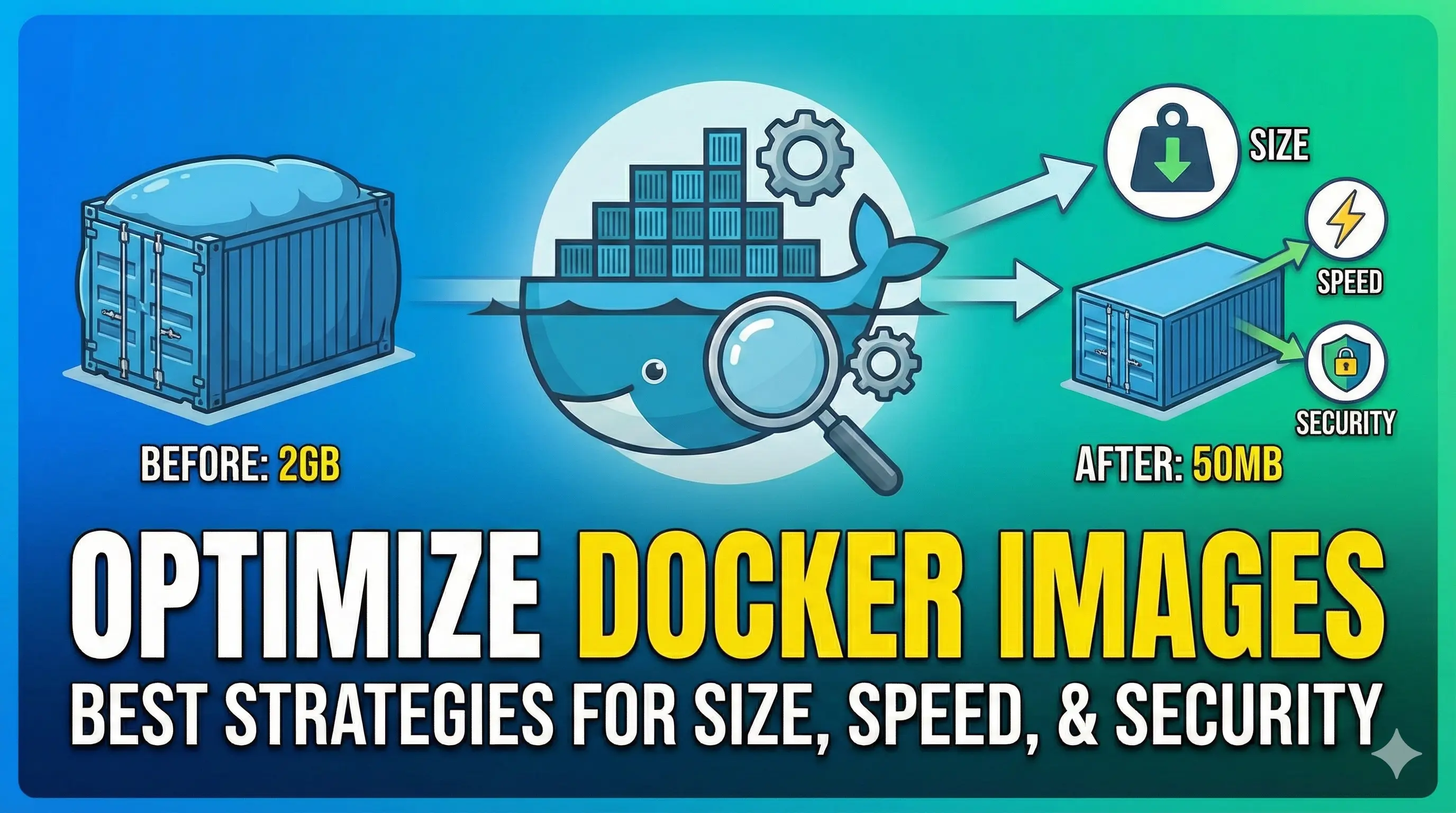
Building efficient Docker images is crucial for faster deployments, reduced storage costs, and improved security posture. Here are the most effective strategies to optimize your Docker images.
1. Choose the Right Base Image
The foundation of your image matters more than you think.
Use Minimal Base Images
# Instead of this (900MB+)
FROM ubuntu:22.04

# Use this (5MB)
FROM alpine:3.19

# Or for specific languages (slim variants)
FROM python:3.12-slim
FROM node:20-alpine
Consider Distroless Images
Google’s distroless images contain only your application and runtime dependencies:
FROM gcr.io/distroless/python3-debian12
COPY --from=builder /app /app
CMD ["/app/main.py"]
Distroless images have no shell, package managers, or unnecessary binaries - drastically reducing attack surface.
2. Multi-Stage Builds
Separate build-time and runtime dependencies to slash image size.
# Build stage
FROM golang:1.22-alpine AS builder
WORKDIR /app
COPY go.mod go.sum ./
RUN go mod download
COPY . .
RUN CGO_ENABLED=0 GOOS=linux go build -ldflags="-s -w" -o main .

# Runtime stage
FROM scratch
COPY --from=builder /app/main /main
ENTRYPOINT ["/main"]
Results:
- Build image: ~800MB
- Final image: ~5MB
3. Optimize Layer Caching
Order your Dockerfile instructions from least to most frequently changing.
# Good: Dependencies cached separately
FROM node:20-alpine

WORKDIR /app

# These change less frequently
COPY package*.json ./
RUN npm ci --only=production

# This changes more frequently
COPY . .

CMD ["node", "server.js"]
Combine RUN Commands
# Bad: Creates multiple layers
RUN apt-get update
RUN apt-get install -y curl
RUN apt-get clean

# Good: Single layer, smaller size
RUN apt-get update && \
    apt-get install -y --no-install-recommends curl && \
    apt-get clean && \
    rm -rf /var/lib/apt/lists/*
4. Security Hardening
Run as Non-Root User
FROM node:20-alpine

RUN addgroup -g 1001 appgroup && \
    adduser -u 1001 -G appgroup -D appuser

WORKDIR /app
COPY --chown=appuser:appgroup . .

USER appuser

CMD ["node", "server.js"]
Use Read-Only Filesystem
# In docker-compose.yml or docker run
security_opt:
  - no-new-privileges:true
read_only: true
tmpfs:
  - /tmp
Scan for Vulnerabilities
# Using Trivy
trivy image myapp:latest

# Using Docker Scout
docker scout cves myapp:latest

# Using Snyk
snyk container test myapp:latest
5. Reduce Image Size Further
Use .dockerignore
# .dockerignore
.git
.gitignore
node_modules
npm-debug.log
Dockerfile*
docker-compose*
.env*
*.md
tests/
coverage/
.cache/
Remove Unnecessary Files
RUN apt-get update && \
    apt-get install -y --no-install-recommends \
        build-essential \
        libpq-dev && \
    pip install --no-cache-dir -r requirements.txt && \
    apt-get purge -y --auto-remove build-essential && \
    rm -rf /var/lib/apt/lists/* /root/.cache
Compress Binaries
# Install UPX and compress binary
RUN apk add --no-cache upx && \
    upx --best --lzma /app/binary
6. Speed Optimization
Use BuildKit
# Enable BuildKit
export DOCKER_BUILDKIT=1

# Or in daemon.json
{
  "features": {
    "buildkit": true
  }
}
Parallel Downloads
# syntax=docker/dockerfile:1.4
FROM python:3.12-slim

RUN --mount=type=cache,target=/root/.cache/pip \
    pip install -r requirements.txt
Pre-compile Dependencies
# For Python
RUN python -m compileall -q /app

# For Node.js
RUN npm run build && npm prune --production
7. Image Size Comparison
| Base Image | Size | Security | Use Case |
|---|---|---|---|
| ubuntu:22.04 | 77MB | Medium | Development |
| debian:slim | 52MB | Medium | General purpose |
| alpine:3.19 | 5MB | Good | Production |
| distroless | 2MB | Excellent | Production |
| scratch | 0MB | Excellent | Static binaries |
Quick Checklist
- Use minimal base images (Alpine, slim, distroless)
- Implement multi-stage builds
- Order Dockerfile for optimal caching
- Combine RUN commands
- Run as non-root user
- Add .dockerignore file
- Remove build dependencies after use
- Scan images for vulnerabilities
- Use BuildKit for faster builds
- Pin image versions (avoid
latesttag)
Conclusion
Optimizing Docker images is not just about reducing size - it’s about building faster, safer, and more efficient containers. Start with the base image choice, implement multi-stage builds, and continuously scan for vulnerabilities.
Remember: a smaller image is a faster image, and a minimal image is a more secure image.